Dashboard
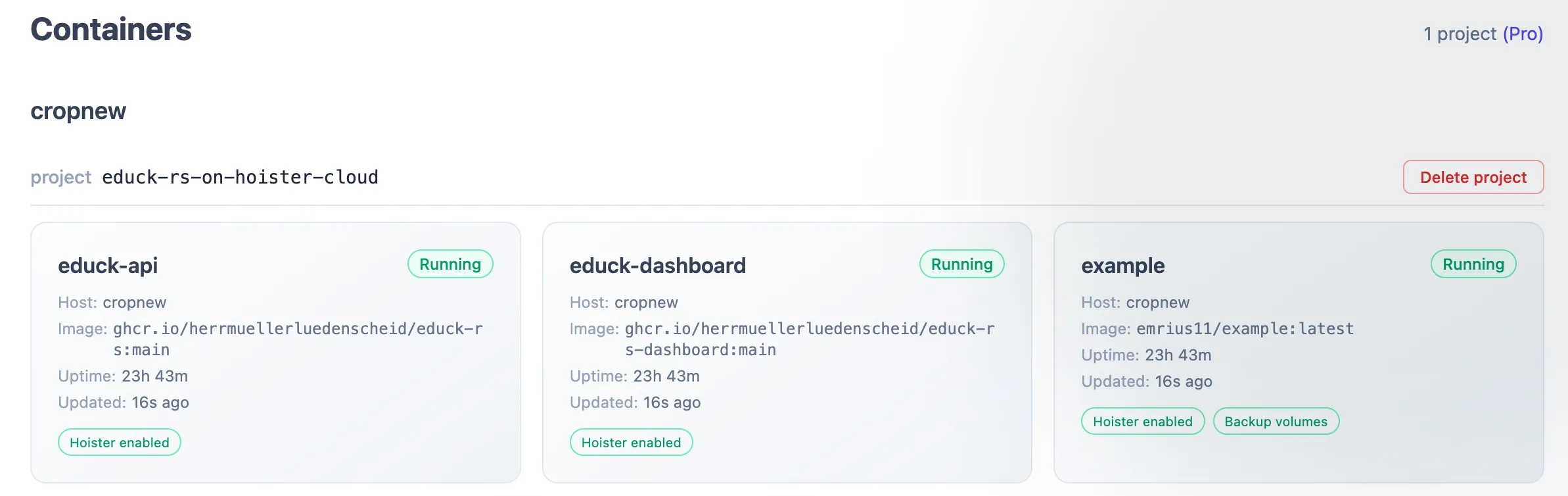
The Hoister container is stateless and does not store any info about updates. But it can forward the update events to the hoister controller service. The dashboard is a frontend for this service to keep track of all monitored services and updates.
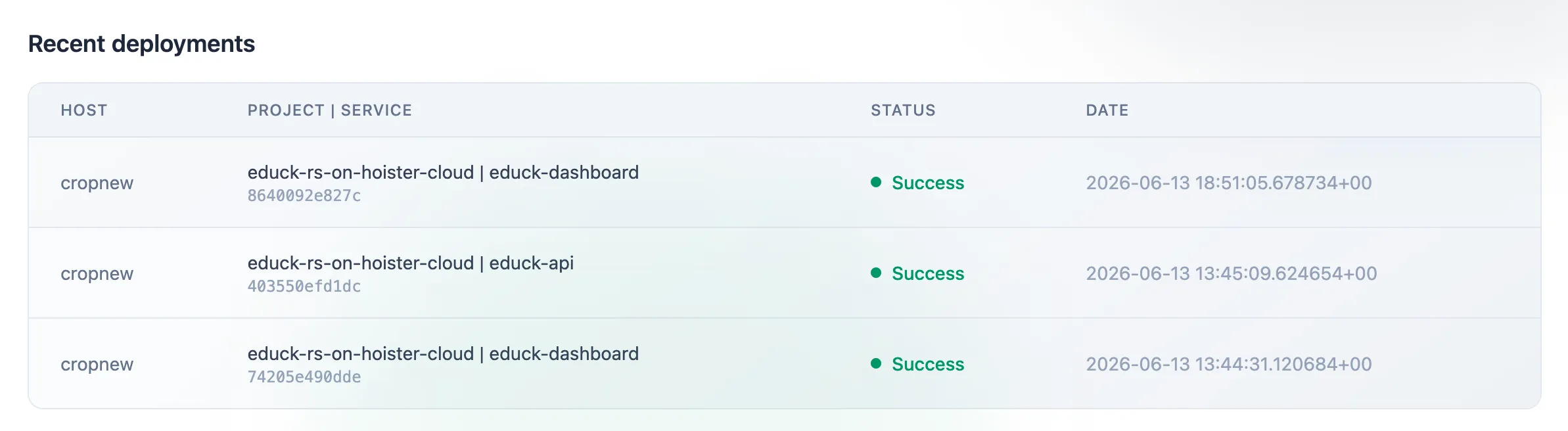
Every rollout the agents report shows up in the Recent deployments feed, grouped by host and service, with the image digest and whether the update succeeded, failed or was rolled back.
The example below runs the whole stack on a single host: the agent, the controller and the dashboard, plus an app
service to watch. Point the agent at the local controller with HOISTER_CONTROLLER_URL so it reports there instead of
the hosted cloud.
services:
  app:    image: nginx:latest    labels:      - "hoister.enable=true"  # let Hoister manage this service
  hoister:    image: hoister/hoister:latest    volumes:      - /var/run/docker.sock:/var/run/docker.sock    security_opt:      - no-new-privileges:true    environment:      HOISTER_CONTROLLER_URL: "http://hoister-controller:3033"  # report to the local controller      HOISTER_HOSTNAME: my-host  # without this the agent reports the hostname as "undefined"    labels:      - "hoister.hide=true"  # keep Hoister's own containers out of the dashboard
  hoister-controller:    image: hoister/hoister-controller:latest    volumes:      - controller-data:/data  # to persist deployments across restarts    labels:      - "hoister.hide=true"
  hoister-frontend:    image: hoister/hoister-frontend:latest    ports:      - "3000:3000"    environment:      HOISTER_CONTROLLER_URL: "http://hoister-controller:3033"      HOISTER_AUTH_USERNAME: admin      HOISTER_AUTH_PASSWORD: $$2b$$05$$9cQr6ip8PmR0dUN3..NR0.UazKLunYc/RrjpzI8GrGg5eSvsqbbiC  # password    labels:      - "hoister.hide=true"
volumes:  controller-data:
Open the dashboard at http://localhost:3000 and sign in with the username and password above.
You can set a clear text password in the environment variable HOISTER_AUTH_PASSWORD but a better way is to use a
hashed password. When you put a bcrypt hash directly in a Compose file, double every $ to $$ (as above) — otherwise
Docker Compose treats $... as a variable reference and corrupts the hash.